By industry
Google Reviews for Restaurants: The Table Tent, the Receipt, and the Right Moment
How restaurants earn steady Google reviews from happy guests, keep the one bad night private, and reply without a food fight.
Updated September 11, 2026 · 6 min read
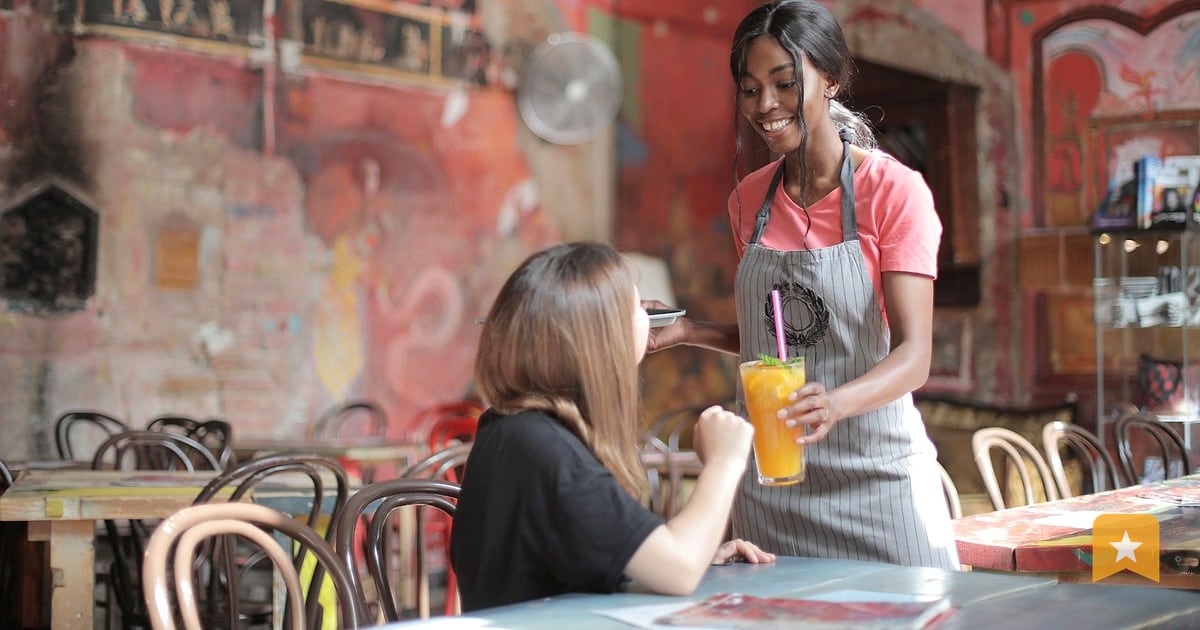
The ask lives where the guest already is
Google reviews for restaurants matter. They show up in search results, on Google Maps, and in the local pack. Potential diners read them before they book. But asking for a review is awkward if you chase the customer down after they leave.
The fix is simple: put the ask where they already are—at the table, on the receipt, in the to-go bag. You're not interrupting. You're offering an easy option at a moment when they're still thinking about the meal.
This works because you're meeting guests in their natural flow. They finish eating, they get the check, they see the QR code or link. If they had a good experience, they can leave a review in 30 seconds without hunting for your business on Google. If they had a rough night, they can skip it. No pressure. No gating.
The key is consistency. Ask everyone the same way, every time. Google prohibits review gating—selectively asking only happy customers or discouraging negative feedback. You're not trying to game the system. You're making it easy for honest guests to share honest feedback.
Table tents, receipts, to-go bags: what to print
Start with your Google review link. Find your Place ID in your Google Business Profile dashboard or use Google's Place ID Finder. Your link will look like this:
https://search.google.com/local/writereview?placeid=YOUR_PLACE_ID
Now decide where to print it. The best spots are:
Table tents. A small folded card on the table, next to the napkin dispenser or salt shaker. Guests see it during or after the meal. Keep the message short: "Love us? Leave a review on Google." Include the QR code or the link. A restaurant review QR code is faster than typing—most phones scan it instantly.
Receipts. Print the QR code or link at the bottom of the check. This is the moment of truth. The guest is already looking at the receipt. A single line—"Enjoyed your meal? Review us on Google"—and a QR code takes up almost no space.
To-go bags and boxes. For takeout and delivery, print it on the outside or inside of the bag. Guests will see it when they open it at home. This is especially useful because they're not in a rush; they can review while the food is still fresh in their mind.
Counter signs. If you have a pickup counter or a to-go window, a small sign with the QR code works. Guests waiting for their order have time to scan.
Keep the design clean. One color, readable font, and a clear QR code. Test the QR code on your phone before you print 500 copies. Make sure it opens your Google review page every time.
Training servers to mention it (one sentence)
Your servers don't need a long script. One sentence is enough: "If you enjoyed your meal, we'd love a review on Google—there's a QR code on the table."
That's it. They say it naturally when they drop the check or clear the plate. No pressure, no follow-up. If the guest is interested, they scan. If not, they move on.
Train your team once during a shift meeting. Show them the QR code. Let them scan it themselves so they know it works. Tell them the goal is not to sell reviews, but to make it easy for guests who want to leave feedback.
Some guests will ask what a QR code is or how to use it. Your server can say: "Just point your phone camera at it and tap the notification that pops up." That's all they need to know.
Delivery and to-go guests
Delivery and takeout customers are often in a hurry, but they're also the easiest to reach with a printed ask. They have your receipt or bag in their hands.
For delivery orders, print the QR code on the receipt that goes in the bag. By the time they open it at home, they've eaten the food and formed an opinion. A QR code is faster than searching for your business on Google Maps.
For to-go orders, the same logic applies. The bag or box is the last touchpoint. Include the QR code and a simple message: "Thank you for your order. We'd love your feedback on Google."
If you use a third-party delivery platform, you can't control what appears on their app or receipt. But you can still print your own receipt or insert a small card in the bag with your Google review link. It's a small extra step that pays off.
One note: never offer a discount, free item, or any incentive in exchange for a review. Google prohibits incentivized reviews. The ask has to be genuine—you're asking because you want honest feedback, not because you're trying to boost your rating artificially.
Replying to the bad night
Reviews aren't one-way. When someone leaves a negative review, you have a chance to respond. Google itself recommends responding to reviews as a way to show that you value customers and their feedback.
A response doesn't erase the bad review. But it shows potential diners that you take feedback seriously and that you're willing to make things right.
Here's how to approach it:
Read the whole review first. Don't react in the moment. Understand what went wrong. Was it slow service, cold food, a rude host, or something else.
Respond within a day or two. The longer you wait, the more it looks like you don't care.
Apologize for the specific problem. Don't say "We're sorry you had a bad experience." Say "We're sorry your food came out cold" or "We're sorry your server was inattentive." Show that you read the review and understood what happened.
Offer a concrete next step. Invite them back. Offer to make it right. Example: "We'd like to make this right. Please call us at [number] and ask for the manager. We'll take care of you."
Keep it professional. Don't argue, don't make excuses, don't blame the customer or your staff in public. Save that for an internal conversation.
For detailed guidance on this, see Respond to negative reviews.
Here's a template you can adapt:
"Thank you for taking the time to leave a review. We're sorry your server was slow to check on your table—that's not the experience we want you to have. We've talked to our team about this, and we'd like to make it right. Please call us at [number] and ask for [name]. We'd love to see you again."
That's it. Short, specific, and human. Potential diners will see that you care enough to respond.
Key takeaways
- Ask for reviews where guests already are: at the table, on the receipt, in the to-go bag. Use a QR code to make it frictionless.
- Never gate reviews or offer incentives. Google prohibits both. Ask everyone the same way, and let honest feedback flow.
- Train your servers to mention the review ask in one sentence. No script, no pressure.
- Respond to negative reviews within a day or two. Apologize for the specific problem and offer a concrete next step.
- Consistency matters. Print the QR code or link on every receipt, every table tent, every to-go bag. Make it a habit, not an afterthought.
FAQ
Can I offer a free dessert for a review?
No. Google prohibits offering incentives—money, discounts, gifts, or free services—in exchange for reviews. The ask has to be genuine. You're asking because you want honest feedback, not because you're trying to boost your rating artificially. If you offer an incentive, you risk violating Google's policies and damaging your credibility.
Where should a QR code go in a restaurant?
The best spots are on table tents (next to the napkin dispenser or salt shaker), at the bottom of receipts, on to-go bags and boxes, and on counter signs near the pickup window. Test the QR code on your phone before you print it to make sure it opens your Google review page every time. Keep the design clean and readable.
How do I respond to a review about slow service?
Apologize for the specific problem, not the experience in general. Say "We're sorry your server was slow to check on your table" rather than "We're sorry you had a bad experience." Respond within a day or two, keep it professional, and offer a concrete next step—like inviting them back or asking them to call the manager. Don't argue or make excuses in public.